Automatic Digital Blood Pressure Monitor Buying Guide (2026)
Home blood pressure monitoring is essential for many adults managing hypertension or monitoring cardiovascular health. But with a crowded market, what really matters when picking an automatic digital blood pressure monitor in 2026? Here’s a calm, evidence-aware guide to making a safe and practical choice—plus a direct comparison of the most reliable models.
Quick Verdict: What Matters Most in 2026
- Validation: Only consider monitors on a recognized automatic BP monitor validation list.
- Cuff fit: Match the digital blood pressure monitor cuff range to your arm size.
- Averaging & Memory: Choose models that average readings and store enough results for trend tracking.
- Data Export: Look for easy automatic blood pressure monitor memory export to your phone or provider.
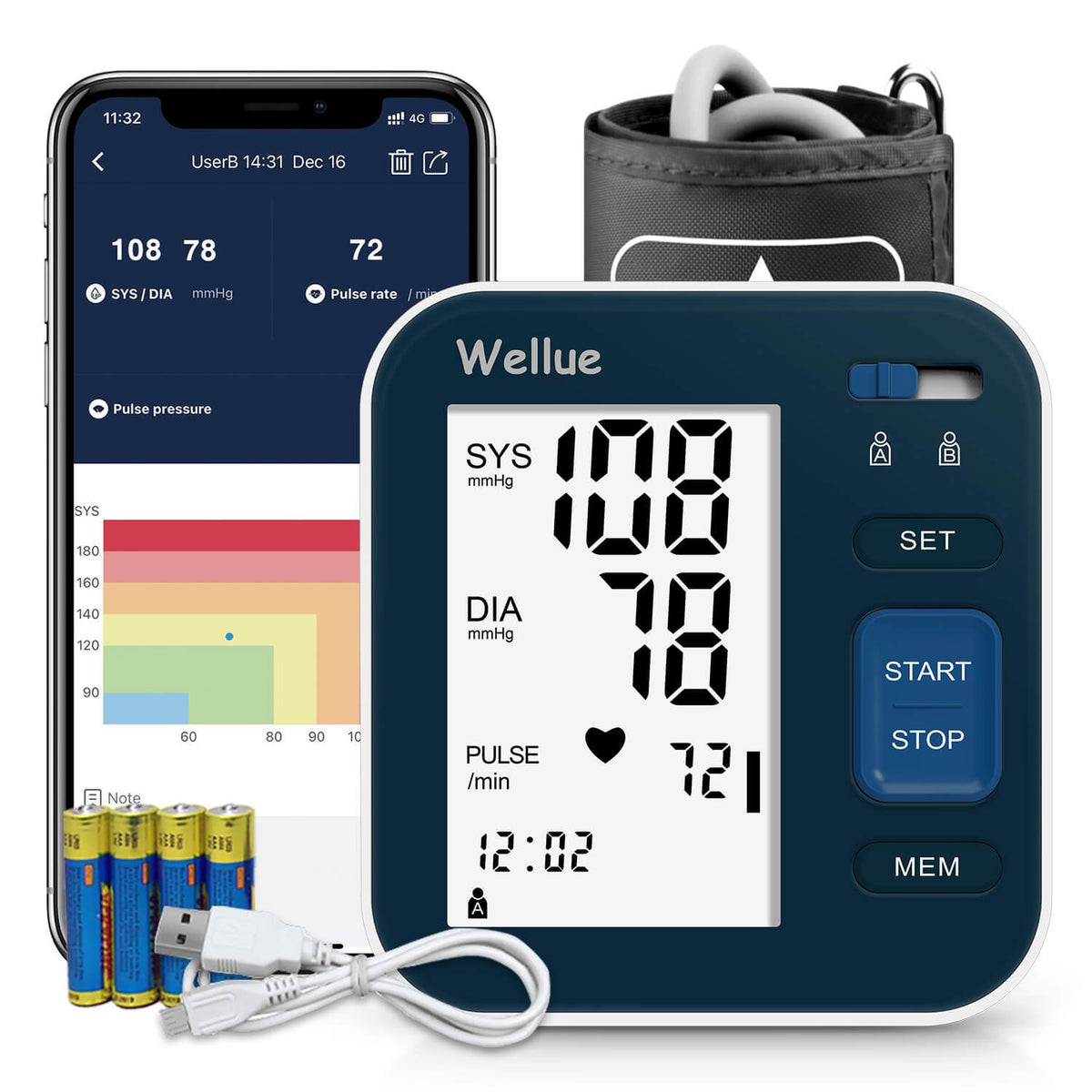
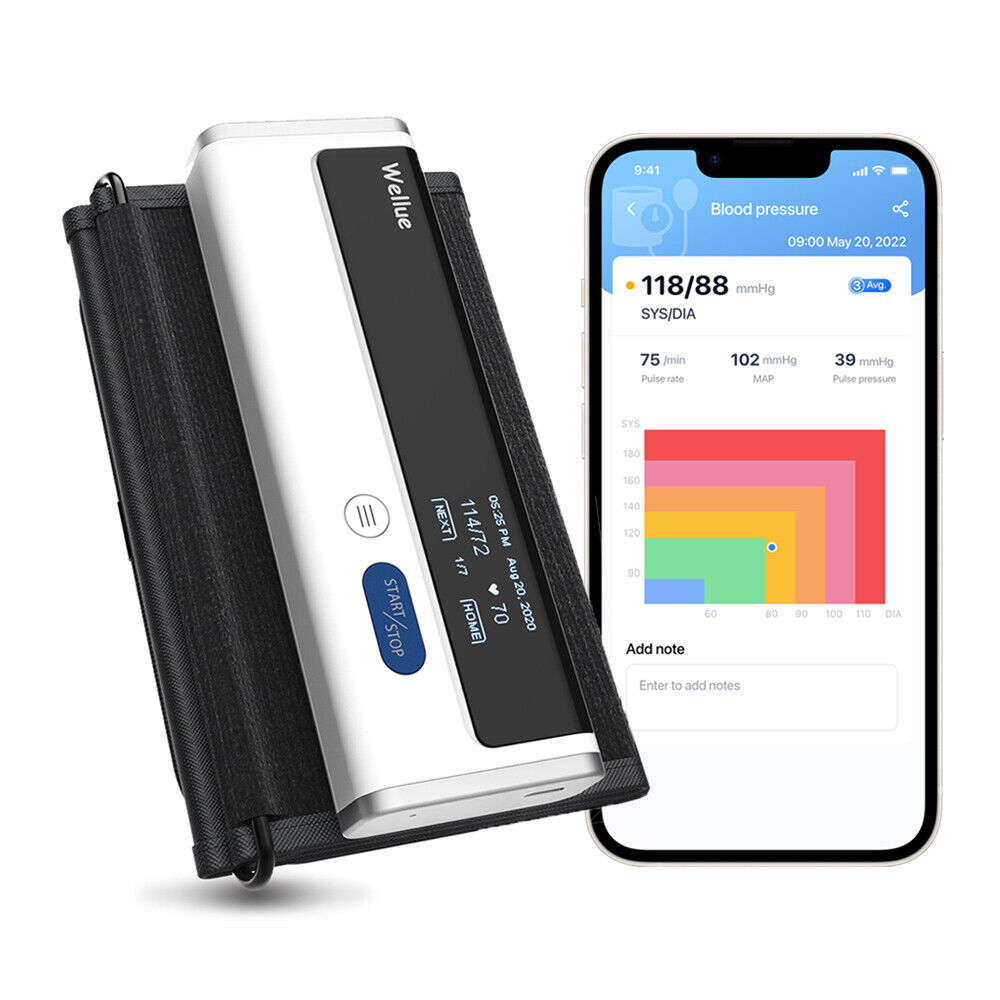
- Recommended Models: The Bluetooth Upper Arm Blood Pressure Monitor, Smart Blood Pressure Monitor, and AirBP Plus Blood Pressure Monitor with Screen meet these needs.
Who This Guide Helps (and Who It Doesn’t)
Best For
- Adults managing high blood pressure at home
- Caregivers tracking loved ones’ readings
- Tech-oriented users needing data export or app sync
Not Ideal For
- Children (due to cuff and algorithm limitations)
- Anyone needing wrist-only or 24-hour ambulatory monitoring
- Those with medical conditions requiring professional BP assessment
Evidence & Methodology
- Relies on FDA device listings (FDA.gov), NIH and Mayo Clinic guidelines, and manufacturer specifications.
- Verification steps for readers: check device validation, regulatory status, and cuff sizing before purchase.
- No unverified clinical performance claims are made. Where evidence is incomplete, a practical verification step is provided.
What to Verify Before You Buy
- Validation: Confirm the monitor appears on a recognized automatic BP monitor validation list (such as those cited by hypertension societies or health authorities). FDA registration or listing is not the same as clinical validation.
- Cuff Range: Ensure your arm circumference fits the digital blood pressure monitor cuff range. An ill-fitting cuff can distort readings.
- Irregular Pulse Detection: Many modern monitors flag irregular rhythms but may not diagnose arrhythmias. Review device claims and consult your healthcare provider if you have known arrhythmias.
- Memory & Export: If you want to track trends or share data, confirm the monitor supports memory storage and easy export (app sync, Bluetooth, or USB).
- Power Options: Decide between battery, USB, or rechargeable models based on your daily routine.
- Data Privacy & App Integration: Check how your data is stored and shared, and whether the companion app meets your privacy comfort level.
Product Shortlist & Comparison Table
These three models from Wellue offer practical options for most home users in 2026:
| Product | Validation | Cuff Range | Averaging Mode | Irregular Pulse Detection | Memory | Data Export | Power | Actions | Actions |
|---|---|---|---|---|---|---|---|---|---|
| Manufacturer-validated* | Standard adult (verify before purchase) | Yes | Yes | App history | Bluetooth/app | Battery/USB | |||
| Manufacturer-validated* | Standard adult (verify before purchase) | Yes | Yes | App history | Bluetooth/app | Battery/USB | |||
| AirBP Plus BP Monitor w/ Screen | Manufacturer-validated* | Standard adult (verify before purchase) | Yes | Yes | App history | Bluetooth/app | Battery/USB |
*Always cross-check validation status and cuff fit with the latest manufacturer and independent listings.
How to Set Up and Use Your Automatic Digital BP Monitor
- Unpack & Inspect: Ensure the device, cuff, and accessories are undamaged.
- Fit the Cuff: Measure your upper arm at its midpoint. The cuff should fit snugly without pinching and match the manufacturer’s recommended range.
- First Measurement: Sit quietly for 5 minutes. Rest your arm at heart level, feet flat on the floor, and avoid talking or moving during measurement.
- Using Averaging & Memory: Take 2-3 readings, 1 minute apart, and use the monitor’s averaging or memory features to track trends.
- Exporting Data: Follow the app or Bluetooth instructions to sync readings with your phone or provider, if needed.
- Checkpoint: Compare a few home readings with a professional measurement at your next clinic visit for consistency.
- Common Mistakes: Using the wrong cuff size, poor posture, or measuring immediately after activity can give inaccurate results.
Practical Limitations & What Home Monitors Can’t Do
- Accuracy Boundaries: Home monitors can be influenced by temperature, movement, and cuff placement. If readings seem inconsistent, consult a provider rather than adjusting treatment yourself.
- Professional Measurement: Some conditions—like arrhythmias or vascular disease—may require professional BP assessment.
- Regulatory Limits: Most home monitors are FDA-listed, not approved as stand-alone diagnostic devices. Always verify status via the FDA database for reassurance.
This guide is for educational purposes and does not replace medical advice. Always consult your healthcare provider for personal blood pressure management.
Summary Table: Decision Rules for Buyers
| Need | Best Model | Key Feature | Actions |
|---|---|---|---|
| General home BP tracking | Reliable, easy to use, app sync | ||
| Trend tracking & export | Good memory, Bluetooth export | ||
| On-device display & app | AirBP Plus BP Monitor w/ Screen | Screen plus mobile integration |
Seven-Day Setup and Return-Window Check
After buying an automatic digital blood pressure monitor, use the return window as a structured test period. Confirm that the cuff range actually fits every intended user, that the display is readable, and that separate user profiles do not mix results. Test the automatic blood pressure monitor memory export before relying on it: create several readings, transfer them to the app or computer, and open the resulting file. Check whether dates, times, averages, and user labels remain intact. Also verify power options, replacement cuff availability, privacy controls, and whether the model appears on a recognized validation list. A monitor that is accurate but difficult to fit, export, or use consistently is a poor long-term choice.
Related reading
Sources and verification
Last checked: August 24, 2026
-
Medical Devices | FDA
The .gov means it’s official.Federal government websites often end in .gov or .mil. Before sharing sensitive information, make sure you're on a federal government site. The site is secure. The https:// ensures that you are connecting to the official website and that any information you provide is encrypted and transmitted securely. An update on the Cyclospora outbreak available here.
-
High Blood Pressure - What Is High Blood Pressure? | NHLBI, NIH
An official website of the United States government Official websites use .gov A .gov website belongs to an official government organization in the United States. Secure .gov websites use HTTPS A lock ( A locked padlock ) or https:// means you’ve safely connected to the .gov website. Share sensitive information only on official, secure websites.
-
High blood pressure (hypertension) - Symptoms & causes - Mayo Clinic
High blood pressure is a common condition that affects the body's arteries. It's also called hypertension. If you have high blood pressure, the force of the blood pushing against the artery walls is consistently too high. The heart has to work harder to pump blood. Blood pressure is measured in millimeters of mercury (mm Hg). In general, hypertension is a blood pressure reading of 130/80 mm Hg or higher. The American College of Cardiology and the American Heart Association divide blood pressure into four general categories. Ideal blood pressure is categorized as normal.