Quick take
We break down who this device is best for, what it measures, and how it compares in the market.
CPAP Report Explained: Plain-Language Guide to Key Metrics (2026)
Why Understanding Your CPAP Report Matters
Whether you've just started sleep therapy or have been using a CPAP, APAP, or BiPAP for years, the data your machine collects can be a game-changer for your comfort and results. CPAP reports provide an objective snapshot of how well your therapy is working each night, highlighting trends that even the most attentive user might miss. For side sleepers, those tracking oxygen or heart rhythm at home, or anyone troubleshooting leaks or discomfort, understanding your report helps you take control of your therapy and have more productive conversations with your healthcare provider.
Reviewing your CPAP report is especially important when you’re adjusting to a new machine, trying a different mask style, or noticing symptoms like morning headaches or daytime sleepiness. Even if you feel fine, numbers like AHI or leak rate can spot issues before they affect how you feel.
Who This Is For
- If you’re a side sleeper struggling with mask fit or therapy leaks
- If you use an APAP or want to compare CPAP vs APAP machine data
- If you’re curious about integrating oxygen or ECG data with your sleep report
- If you want to know what questions to ask at your next sleep clinic visit
Key Takeaways
- CPAP reports show your AHI, leak rate, usage, and pressure—each tells a different story about therapy quality and comfort.
- Side sleepers and those with nasal masks should watch for leak rates and mask fit in their data.
- Comparing CPAP, APAP, and BiPAP reports helps you spot differences in comfort, value, and performance.
- Regular cleaning and device maintenance ensure your reports stay reliable for long-term progress tracking.
Decoding the CPAP Report: Core Metrics in Plain English
AHI (Apnea-Hypopnea Index): What It Means for Your Sleep Quality
AHI stands for Apnea-Hypopnea Index. It’s the number of times each hour that you stop breathing (apnea) or have shallow breathing (hypopnea). The lower your AHI, the better—most sleep specialists aim for an AHI under 5, but your doctor will help interpret what’s safe for you. High AHI numbers, despite using your CPAP, could mean your mask isn’t sealing well, your pressure is too low, or you need a different machine type (like APAP).
Leak Rate: How Mask Fit Affects Therapy for Side Sleepers
Leak rate measures how much air escapes from your mask. Side sleepers often struggle with leaks from mask movement or dislodged straps. High leak rates can reduce therapy effectiveness and worsen symptoms. If your leak rate is consistently high, it’s time to adjust your mask fit or try a different style designed for side sleepers.
Usage Hours: Are You Meeting Compliance and Treatment Goals?
Your machine tracks how many hours each night you use it. Most insurance plans and doctors look for at least 4 hours per night on 70% of nights. Usage data helps you and your provider spot patterns or barriers to consistent therapy.
Pressure Settings: Fixed vs. Auto Adjustments
CPAP delivers a constant pressure, while APAP (auto CPAP) adjusts pressure throughout the night. Your report will show average, minimum, and maximum pressures. If you’re seeing big swings or persistent discomfort, your provider may consider switching your mode or fine-tuning your settings. See our cpap vs apap machine comparison for more on these differences.
Oxygen Levels: Tracking with Add-Ons Like the O2Ring
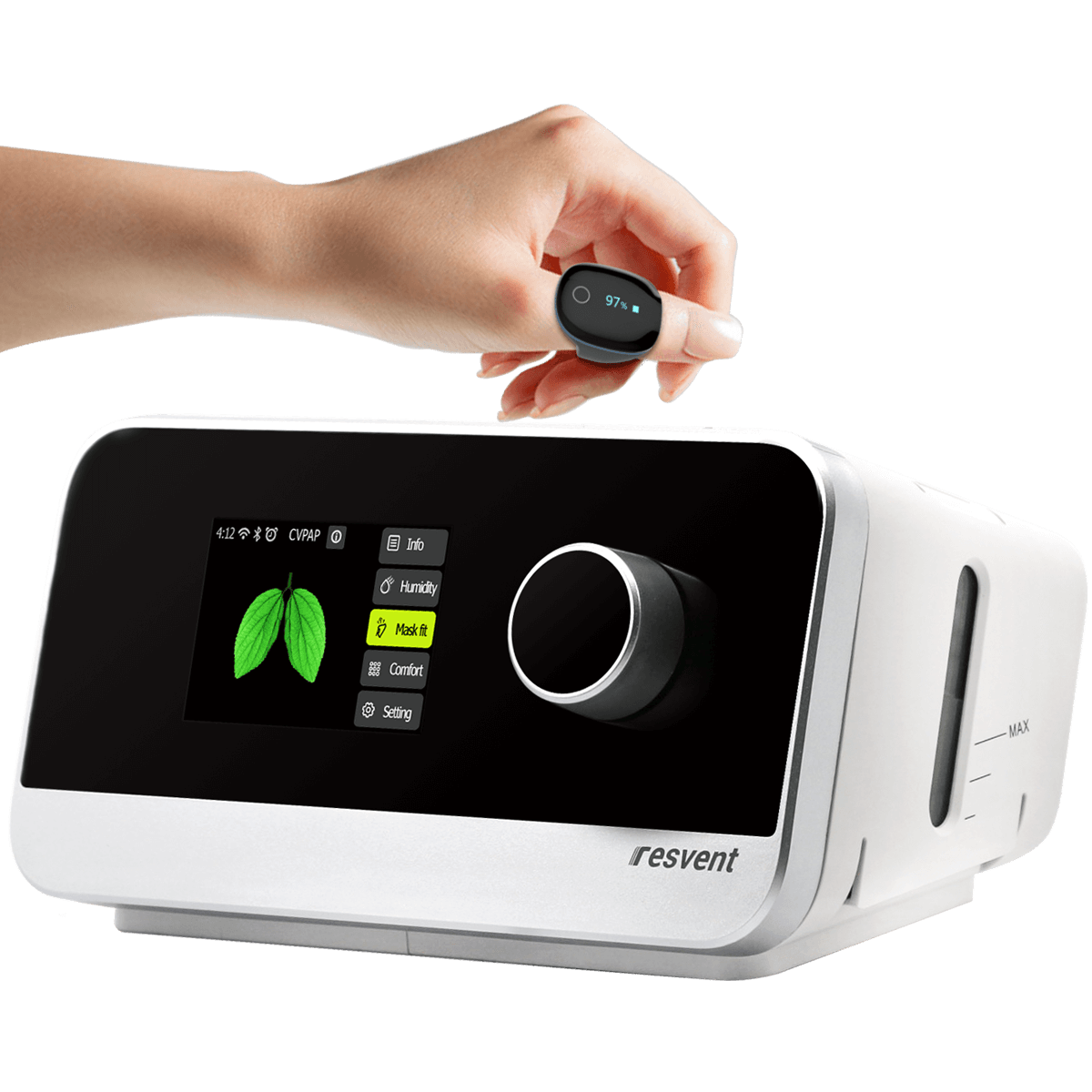
Some users add an oxygen monitor like the O2Ring to their therapy. These devices help spot drops in blood oxygen that AHI alone can miss, especially for users with overlapping heart or lung concerns. Integrating oxygen data can provide a more complete picture—just be sure to share both reports with your doctor.
Actionable Follow-Up: What to Do With Your Data
- When to Share Your Report: Email or bring copies to your doctor if your AHI rises, leak rates spike, or you notice more symptoms. If you’re using a home ECG monitor (like Wellue’s 24-Hour ECG Monitor), share that data too.
- Questions to Ask: “Does my AHI mean I need a pressure change?” “Is my leak rate affecting my therapy?” “Would switching to an APAP or BiPAP improve comfort?”
- Adjustments for Better Comfort: If you’re a cpap side sleeper or have trouble with mask leaks, try a nasal or low-profile mask and check your strap fit every night. Don’t ignore usage dips—address comfort or dryness issues promptly.
Comparing Your CPAP Report With Other Sleep Therapy Devices
| Device | Key Report Metrics | Comfort/Value | Best For | Review Link | Product |
|---|---|---|---|---|---|
| AHI, leak, usage, set pressure | Reliable, simple | Stable needs, budget-conscious | Auto-CPAP / APAP Machine | ||
| AHI, leak, usage, auto pressure range | Adaptive, more comfort | Variable needs, side sleepers | Auto-CPAP / APAP Machine + O2Ring | ||
| AHI, leak, usage, inhale/exhale pressures | Easier breathing, premium | High-pressure needs, comfort-focused | - |
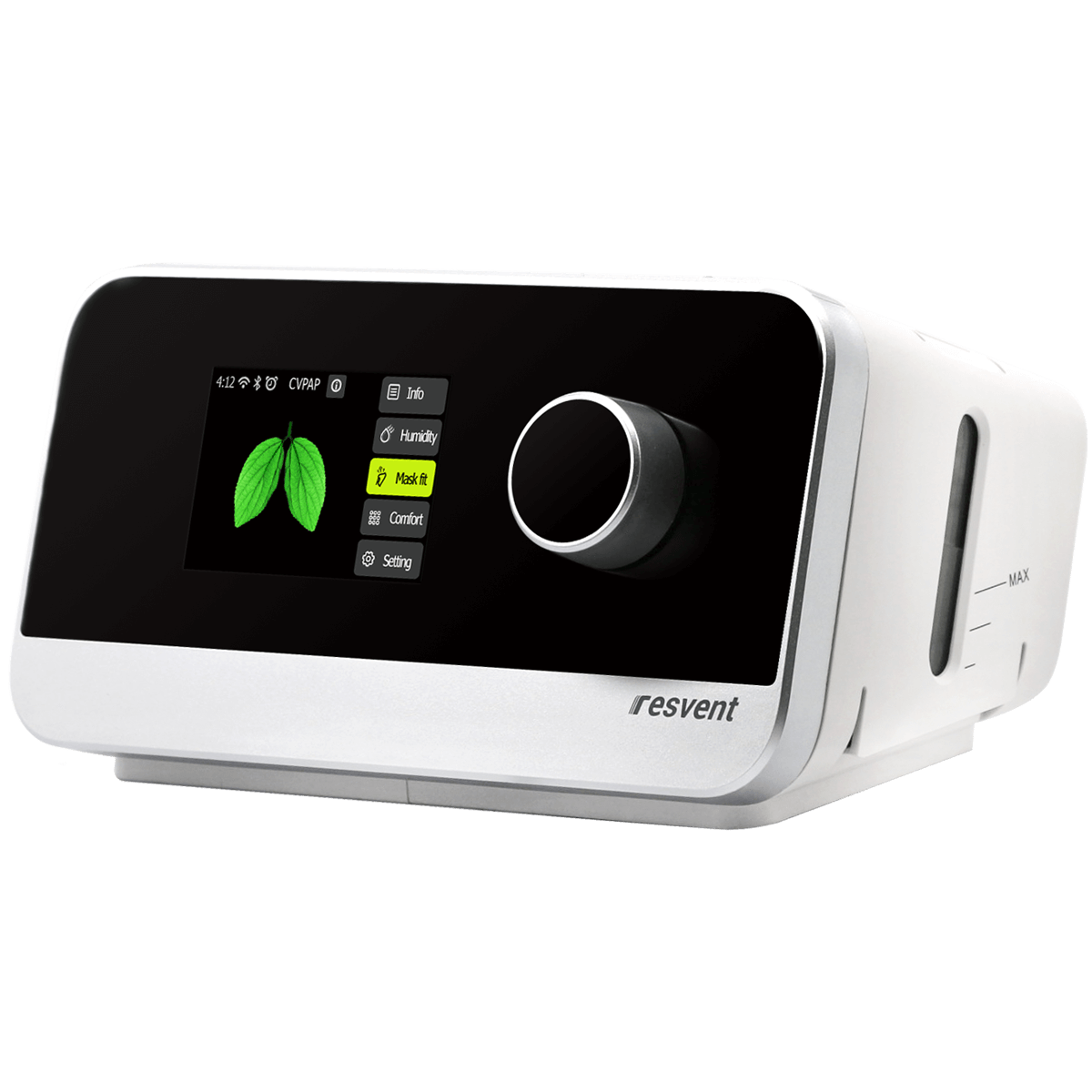
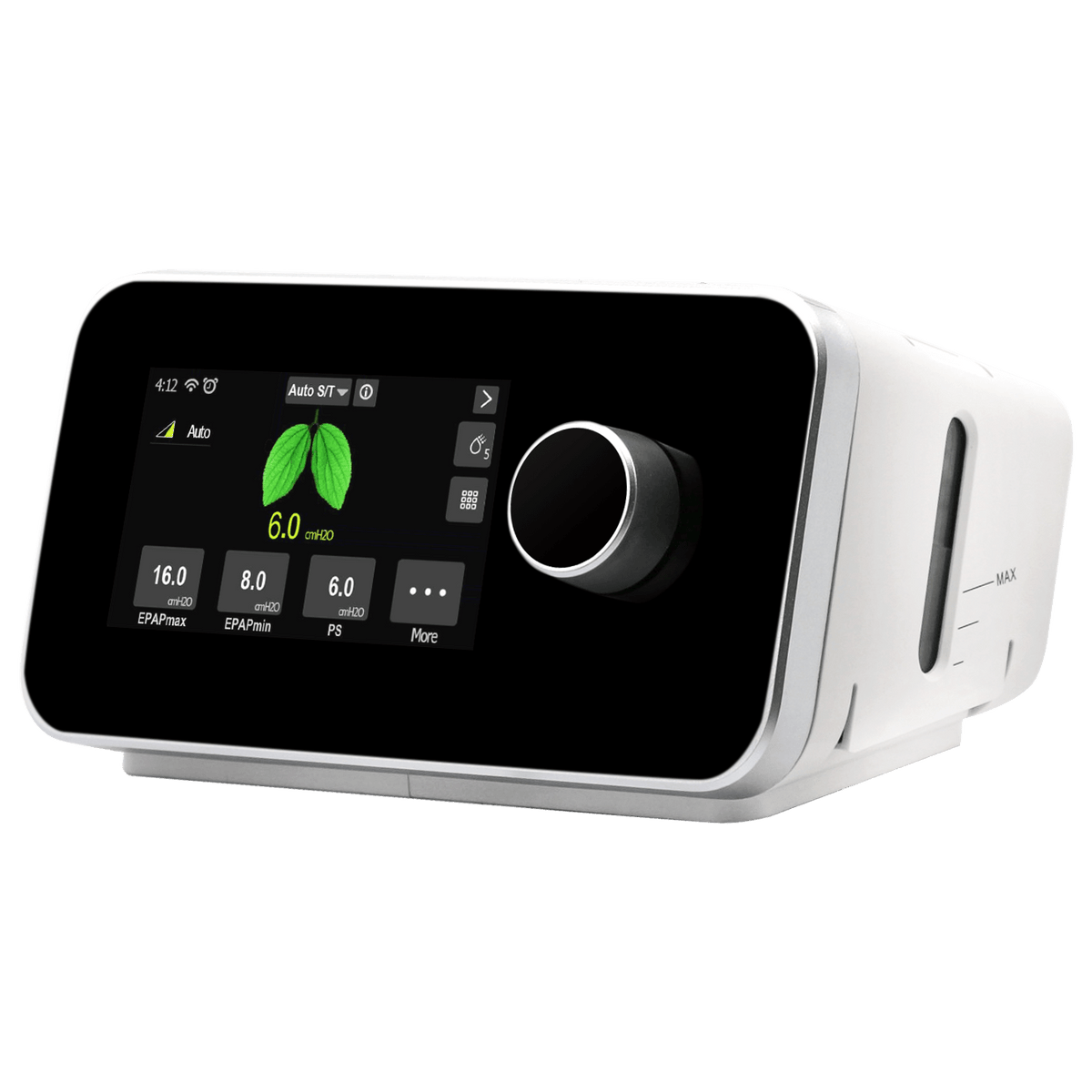
Cheap vs premium cpap machine differences often come down to data reporting depth, comfort features, and noise level. Premium devices typically make it easier to export, interpret, and share your reports.
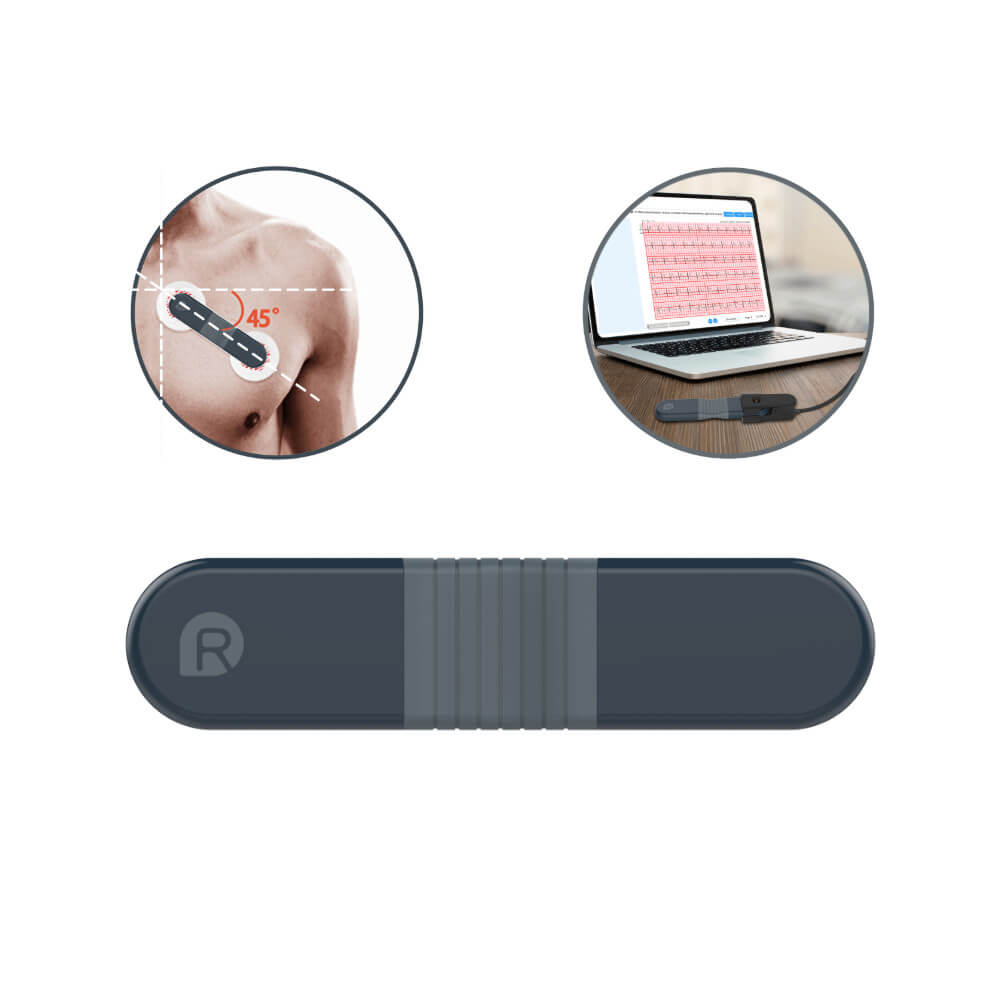
Portable oxygen concentrators and home ECG monitors don’t replace CPAP, but their reports can complement your therapy. For instance, the best home ecg monitor for report sharing is highly portable and produces shareable data to track arrhythmias or oxygen dips overnight.
How to Read and Interpret Device-Specific Reports
Sample CPAP Report: Step-by-Step Walkthrough
- Check your nightly AHI and look for trends over the week.
- Scan leak rates—flag any nights with a sudden spike.
- Confirm usage hours meet your provider’s recommendations.
- Review pressure settings for consistency (CPAP) or the range (APAP).
- If using oxygen or ECG add-ons, note any periods where metrics fall outside your normal range.
Best Practices for Reading Home ECG/EKG Monitor Reports
Most modern monitors (like the Wellue 24-Hour ECG Monitor) use AI analysis to flag irregular rhythms. Focus on summary trends and any flagged events, but always discuss findings with your doctor before making therapy changes.
Tips for Exporting and Sharing Reports with Healthcare Providers
- Download reports in PDF or CSV format where possible.
- Bring a printed copy to appointments, or use secure email if available.
- Highlight nights with unusual results or symptoms for easier discussion.
Common Mistakes and Misinterpretations
- Assuming all low AHI readings mean perfect therapy. If your leak rate is high, AHI may be artificially low.
- Not checking mask fit after position changes. For cpap side sleepers, even small leaks can skew your report.
- Ignoring trends over time—one bad night isn’t a pattern, but repeated changes may signal a need for intervention.
Keeping Your Data Reliable: Device Setup, Cleaning, and Maintenance
- Clean your mask, tubing, and filters weekly to keep measurements accurate and prevent build-up.
- Replace filters and check mask seals regularly—most leaks are from worn-out parts or poor fit.
- Ask your supplier or doctor when your CPAP should be recalibrated or replaced (usually every 5 years or if reporting odd data).
Real-World Product Scenarios
Auto-CPAP / APAP Machine + O2Ring
Best for users who want dynamic pressure adjustment and the reassurance of overnight oxygen tracking. The O2Ring integration is ideal for anyone whose doctor wants to monitor for oxygen dips alongside AHI data. One limitation: setup guidance is important, especially for first-timers. In practice, this bundle suits those wanting a holistic view of their sleep health, especially if you’ve struggled with traditional CPAP comfort or have concerns about night-time oxygen drops.
24-Hour ECG Monitor
Ideal for adding home heart rhythm monitoring to your sleep therapy routine. Its portability means you can wear it comfortably overnight, capturing arrhythmias that standard ECGs often miss. There’s a learning curve with interpreting AI-analyzed reports, but its export feature makes sharing results with your provider straightforward. Consider this if you have a history of heart concerns or your doctor wants more than just sleep data to tailor your treatment plan.
If You're Unsure
If you’re overwhelmed by your CPAP report or not sure which machine or add-on to use, start by identifying your main concern: Is therapy uncomfortable? Do you notice leaks or dryness? Are you worried about oxygen or heart issues? Your choice between cpap vs apap machine comparison or adding tools like the 24-hour ECG monitor should match your specific needs and doctor’s advice. Consistent, accurate reporting is more important than having every feature.
Key Takeaways
- CPAP report metrics like AHI, leak rate, and usage drive better therapy and informed doctor discussions.
- Side sleepers and those using oxygen or ECG add-ons should pay extra attention to mask fit and integrated data.
- Comparing device reports (CPAP, APAP, BiPAP, ECG) helps you find your optimal comfort and therapy value.
- Regular maintenance underpins reliable readings and long-term sleep health success.
FAQs: Understanding and Using Your CPAP Report
- What does the AHI number in my CPAP report mean for my health?
AHI reflects the number of breathing interruptions you experience per hour. Lower numbers generally mean better-controlled sleep apnea, but trends and symptoms matter too. - How can side sleepers ensure their CPAP report reflects accurate therapy?
Check for consistent mask fit and monitor leak rates nightly. Consider masks designed for side sleepers if leaks persist. - What’s the difference between data from a CPAP and an APAP or BiPAP report?
APAP reports include pressure ranges and auto-adjustments, while BiPAP adds separate inhale/exhale pressures. This can impact comfort and therapy tracking. - How do I share my CPAP or home ECG monitor report with my doctor?
Export or print your reports and bring them to appointments, or use secure email if available. Highlight any nights with unusual data. - Why might my leak rate be high, and what can I do about it?
High leak rates usually stem from poor mask fit, worn components, or movement during sleep—especially for side sleepers. Try adjusting straps, switching masks, or replacing old parts.